
Set up for you. Then bring it real work.
EJ sets up your Captain Max by hand. You hand it the work on your list, look over what comes back, and decide what happens next.
$297 a month. Set up and looked after by Jones E Designs.
MAX

Three steps to your first sign-in.
There’s nothing to install or configure on your end. Each Captain Max is set up personally, one at a time.
Start Captain Max
Check out with Stripe. You’ll get a welcome email letting you know we’re preparing your workspace.
EJ sets it up by hand
Your workspace is prepared around your business. It’s usually ready within one business day.
Sign in on your phone or computer
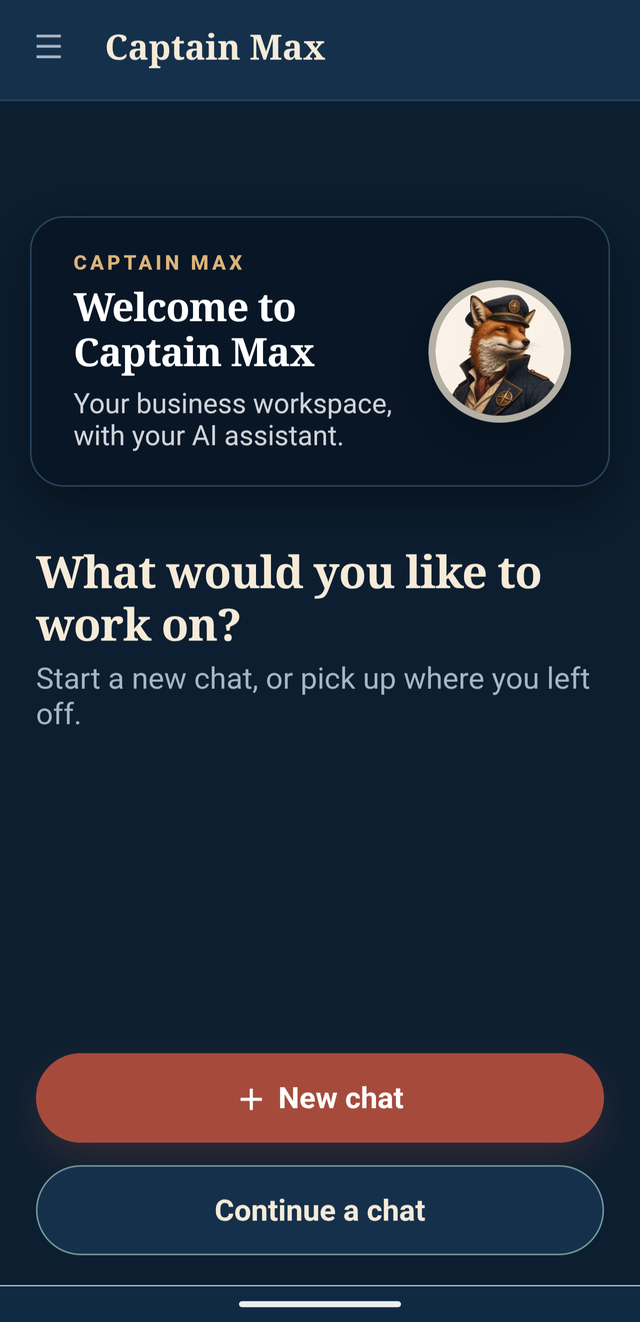
A separate sign-in email arrives when it’s ready. Use it in the browser, or install it like an app.
Start with one real task. Bring the rough version.
Maybe it’s notes from a customer call, a project that needs a next step, or a decision that’s still up in the air. You don’t need to organize everything before you begin.
- Share the notes, files, or emails that matter
- Connect your other tools later, when you’re ready
- Max works with what you share and the tools you connect
The work that keeps getting pushed to tomorrow.
Say it the way you’d say it to a capable assistant. No perfect prompts needed.
Drafts
Emails, proposals, and replies—turned from notes into something you can send.
Follow-ups
The customer check-ins and thank-yous that slip when the day gets busy.
Invoices and paperwork
Get the billing and the details organized and out the door.
Research
Options, prices, pros and cons—gathered and laid out so you can choose.
Planning
Turn a project into clear steps, so everyone knows what comes next.
Sorting it out
Separate the facts from the open questions and see what needs a decision.
Hand it off. Look it over. You decide.
Max does the legwork. You stay in control of what gets sent, saved, or decided.
Ask in everyday words
Type it out, drop in a file, or share an image. Say what you need and what a good result looks like.
Review what comes back
Read the draft, plan, or research. Correct what’s off and ask for changes.
Keep what’s ready
Use the version that works, then move on to the next thing on your list.
It gets more useful as it learns your business.
Unlike a chat window that starts over every time, Captain Max builds on the work you do together.
It remembers
Past conversations, decisions, files, and details you’ve shared, so you don’t repeat yourself.
It knows what matters now
The current project, the relevant documents, the people involved, and the outcome you need.
It repeats what works
Ways of working that went well can be reused the next time a similar job comes up.
One connected system for your business.
Captain Max isn’t a tool for one little job. It’s one system for your business, and what it learns builds up over time.
It builds up
Memory, skills, and context are saved, so Max keeps getting more familiar with how your business works.
It stays yours
What Max learns about your business is saved and stays yours.
Private by design
Your conversations are private and encrypted, on a system set up and run by the studio—not a shared public chatbot.
Talk with EJ.
When something is important, unusual, or confusing, “Talk with EJ” goes straight to EJ, the founder who built Captain Max. Not a bot or a ticket queue.
The studio keeps it running.
- Updates handled by Jones E Designs
- Connections set up with you
- Changes made when your business needs them
- The Captain Max Academy, included for customers
Bring Max the first thing on your list.
We’ll set up your Captain Max and send your sign-in. You bring the work.